1. A new look
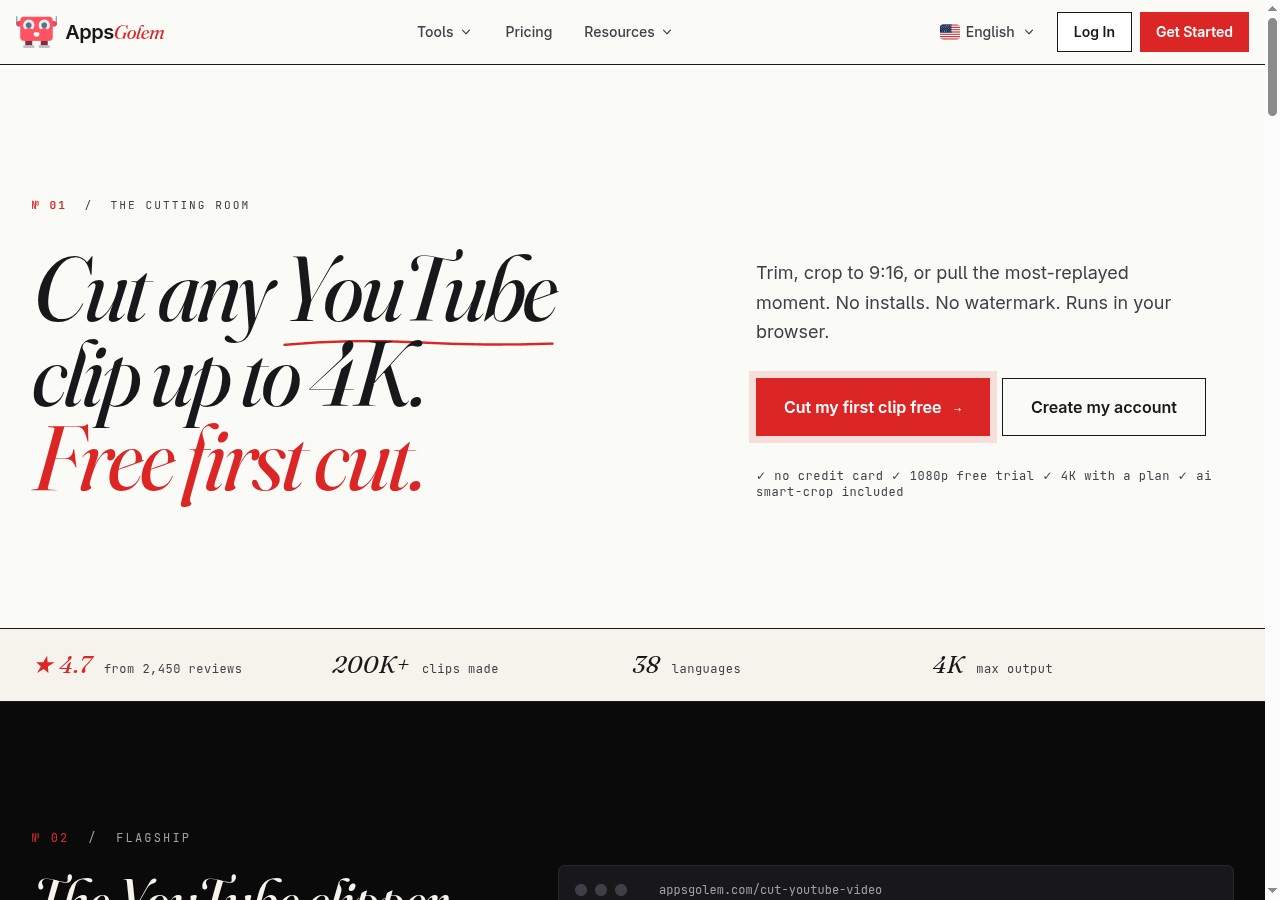
AppsGolem has a new look. The homepage is calmer and more confident, with real screenshots of the apps you actually use — so you can see what each tool looks like before you click into it. Prices are easier to read, the writing is clearer, and the whole site feels less like a download page and more like the toolkit it actually is.
2. Your file downloads on its own
This was the thing we heard most. You would start a download, watch the progress bar fill, see "Your download is ready" — and then have to click one more button to actually save the file. People missed that button. People closed the tab. People wrote in to say the download had not worked, when really the file had just been waiting for one more click.
Now, across all four apps — TikTok, Twitch, YouTube most-replayed, and the YouTube cutter — the file downloads on its own once it is ready. The button is still there if you want to save it again, but you do not need it. Paste a link, wait, and the file appears.
If you finish a cut, the file is yours.
3. The cutter, made better
The YouTube cutter is the app people spend the most time in, so it got the most attention this round.
AI smart-crop
Smart-crop turns a horizontal video into a vertical one for shorts, reels and TikTok — and it follows the action. If the person on screen moves left, the crop follows them. The cutter page now shows a before/after so you can see it work: a wide source clip next to a vertical version where the subject stays in frame.
It is on by default for every cut. Pick a vertical size and it just happens.
Keyboard shortcuts
The cutter now has nine keyboard shortcuts — useful if you cut a lot of clips. They are all listed on the page, and you can press ? at any time to see the full list:
- Space / K — play / pause
- J / L — skip back / forward 5 seconds
- I / [ — set the start of the clip
- O / ] — set the end of the clip
- ← / → — fine-tune by 1 second
- A — add this selection to a batch
- Enter — start the cut
- ? — show the full shortcut list
Shortcuts pause while you are typing, so entering a timestamp by hand still works as expected.
A few smaller things
- Better handling of age-restricted and region-locked videos, with clearer messages when a cut really cannot be done.
- More helpful messages when something goes wrong.
- New step-by-step previews on every app page so you can see exactly how each tool works.
What we are working on next
We are working on a better history view in your account so you can re-download anything you made in the last 30 days, without having to cut it again. If there is something you would like to see, the support page is the fastest way to tell us.
Try the new cutter
Smart-crop, keyboard shortcuts, auto-download. Paste any YouTube URL to get started.
Open the cutter


